Menucove
A calm menu bar.
Every app one click away.
Your MacBook’s notch hides menu-bar icons. Menucove keeps the few you love and tucks the rest away, one click from the crab.
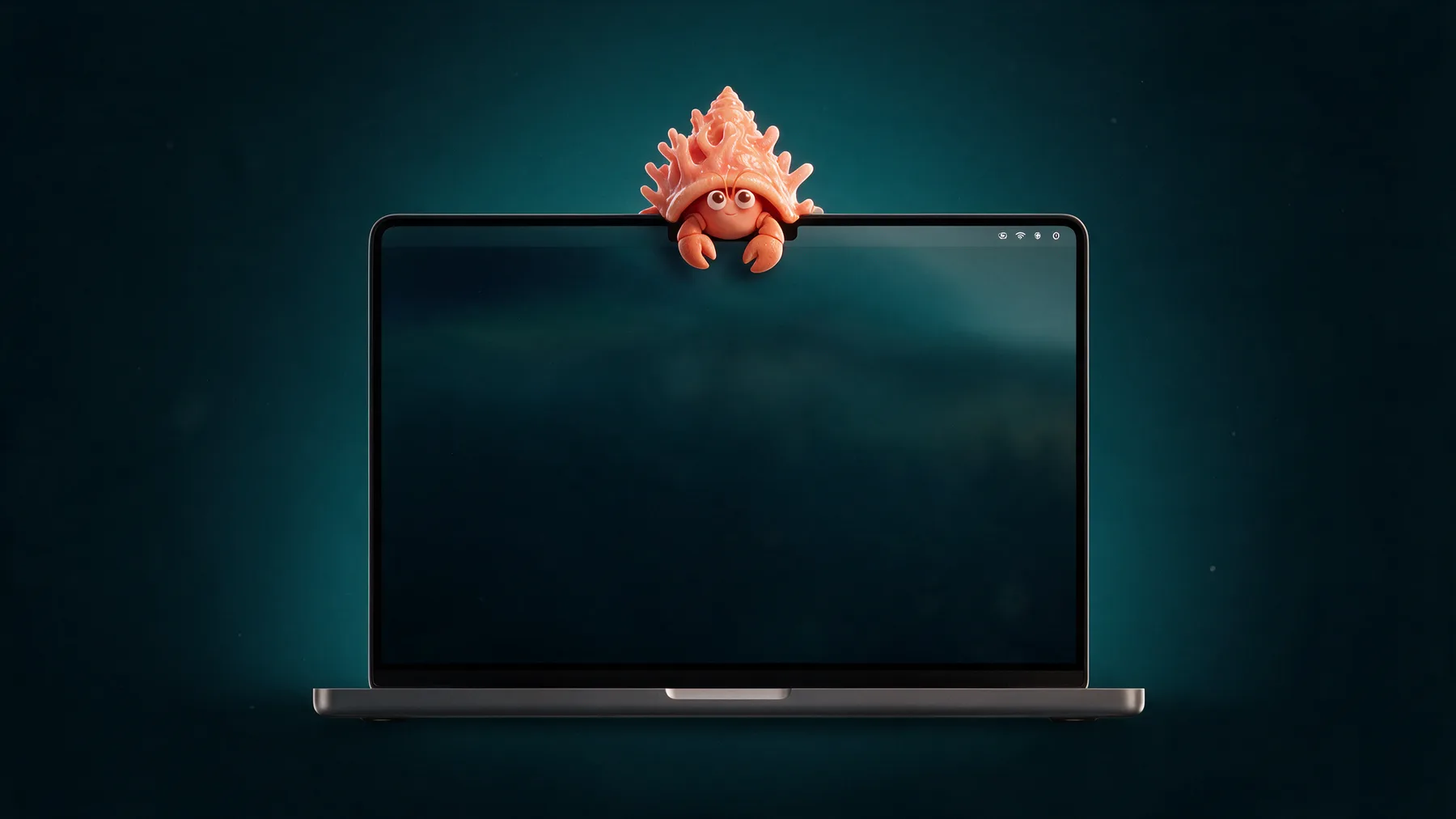
Same Mac. Room to breathe.
No more icons squeezed out or lost behind the notch.
Before
After
 Wed 9:41
Tidy in thirty seconds.
Keep your favorites
Hold ⌘ and drag the icons you use every day next to the crab.
Tuck the rest away
One click, and everything else leaves the bar.
Click the crab
Every tucked-away app is right there whenever you need it.
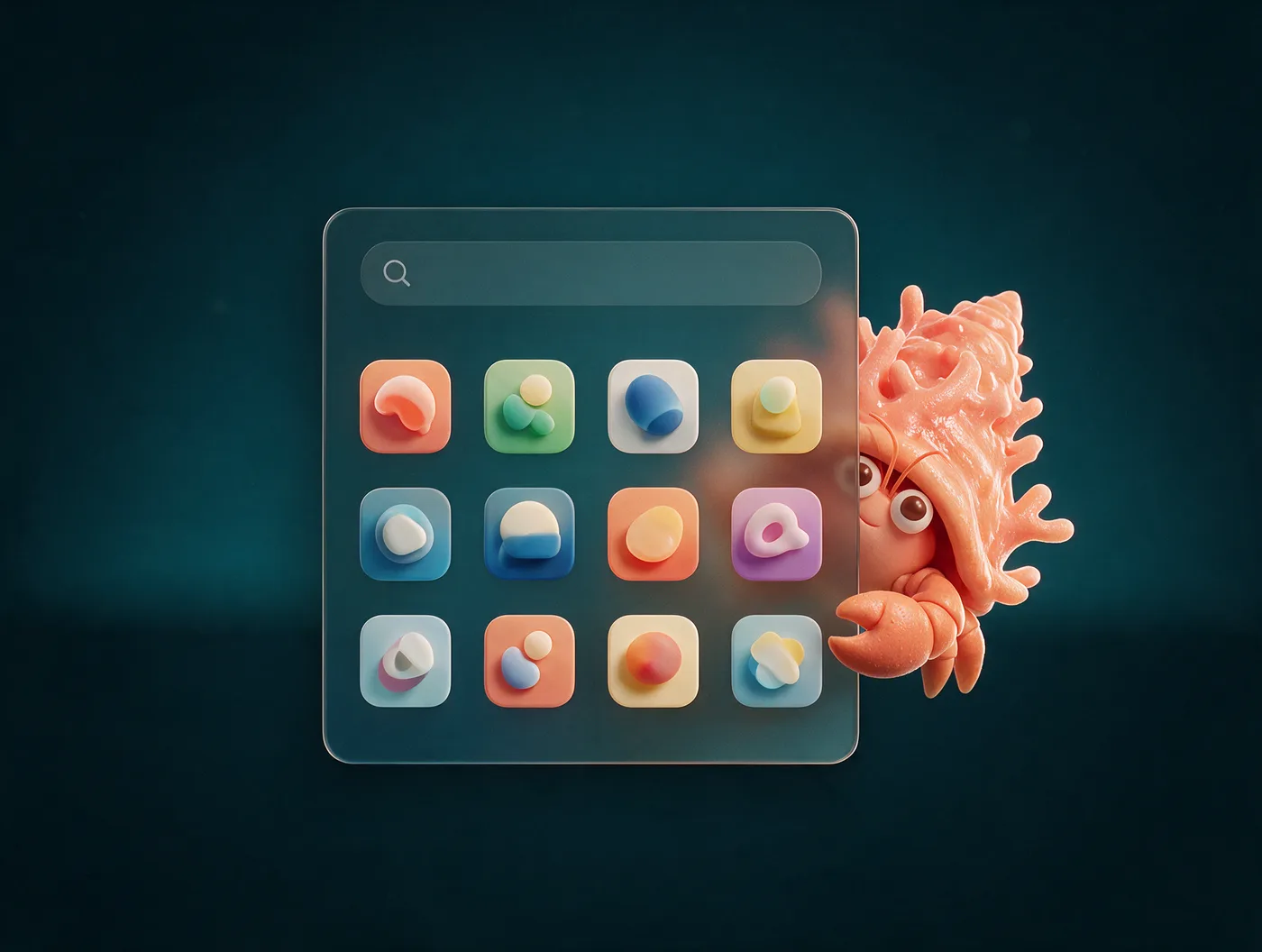
Every app, one click away.
Click the crab and your hidden apps are all there. Type a few letters, click, and the app’s real menu opens, even for icons stuck behind the notch.
Opening menus from Menucove uses macOS Accessibility, which it asks for the first time you try. Skip it and Menucove simply opens the app instead.
Simple, and safe to try.
No permissions to start
Tidying your menu bar needs no special access at all.
Quit, and everything comes back
Every icon returns the moment Menucove quits. After sleep or lock, your bar tidies itself again.
Nothing leaves your Mac
No account, no analytics. Your setup stays on your computer.
Your icons, your order
Menucove never rearranges other apps. You choose favorites with macOS’s own drag.
$5for the first 100 copies.
Then $10.
Pay once. Keep it.
- One-time purchase. No subscription, no account.
- Tidy menu bar, one-click apps, search.
- Requires an Apple silicon Mac with macOS 14 or later.
Questions
Does Menucove need any permissions?
Tidying needs none. To open an app’s menu from the crab’s popover, macOS asks for Accessibility the first time. You can say no, and Menucove opens the app instead.
Will it move or rearrange my icons?
No. You pick your favorites with macOS’s own ⌘-drag. Menucove only uses its own icon to tuck everything else out of sight.
What happens if I quit Menucove?
Every icon comes straight back. If you plug in a display, icons show until you tuck them away again. After sleep or lock, Menucove keeps your bar tidy.
Does it help with icons hidden behind the notch?
Yes. Apps whose icons don’t fit are listed in the popover, and clicking one opens its menu.
Which Macs does it work on?
Apple silicon Macs running macOS 14 Sonoma or later. So far it’s been tested on macOS 26 Tahoe, and we’ll list more versions as we test them.
Is it a subscription?
No. You pay once: $5 for the first 100 copies, then $10.